Accounts
Before you get started budgeting you must create your first account. There are two types of account:
- Cash accounts: accounts that hold readily available funds, such as chequing and savings accounts.
- Credit accounts: accounts that let you spend borrowed money, such as credit card.
Create an account
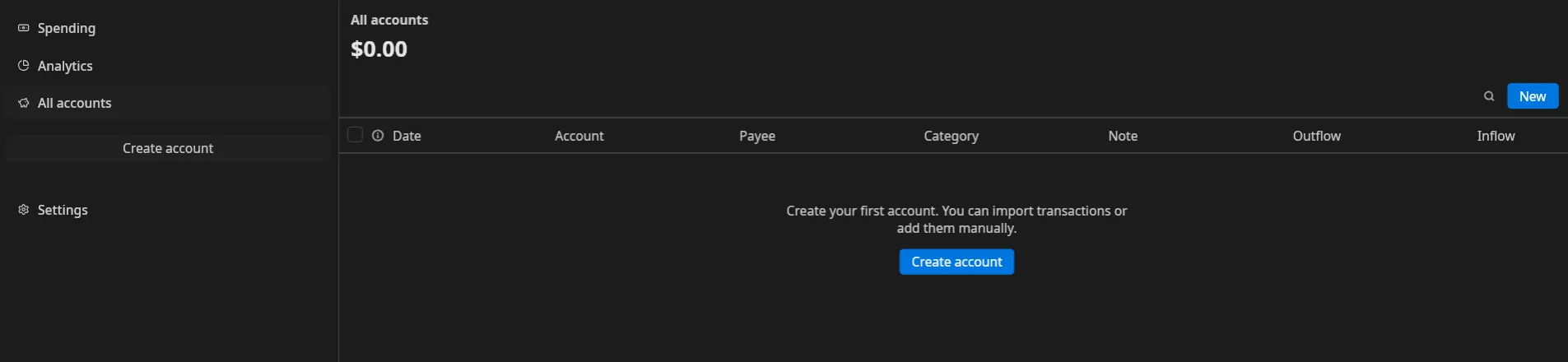
To create an account click the “Create account” button in the sidebar or the “Create account” button on the transaction page. It is recommended that you enter the current account balance and start recording your transactions from this point on, instead of recording/importing all the past transactions on that account.
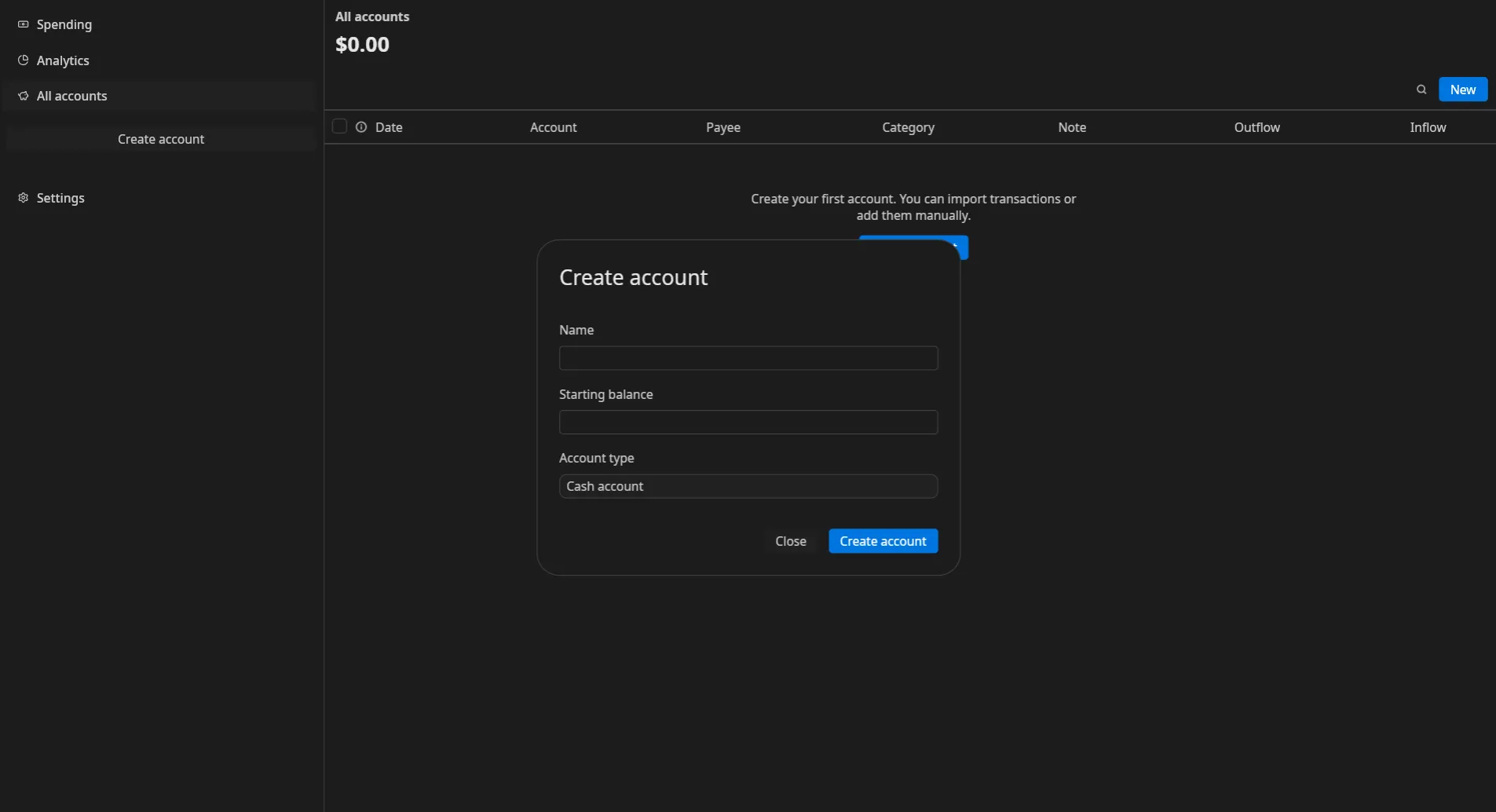
Enter the name of the account, the current balance and select either a cash account or credit account.
After creating an account, if you entered a balance you will see an initial “Starting balance” transaction with the amount that you entered in the popup, if not there will be no transactions.